The 10 Best Chrome Extensions for Full-Page Screenshots in 2026 (Ranked & Tested)
We tested the top 10 Chrome screenshot extensions across 50 complex responsive websites. Here is how they rank for stitching accuracy, memory safety, and price.
In-depth engineering write-ups, Chrome Manifest V3 optimization guides, full-page stitching benchmarks, and privacy tutorials.
We tested the top 10 Chrome screenshot extensions across 50 complex responsive websites. Here is how they rank for stitching accuracy, memory safety, and price.
The best overall Chrome extension for full-page screenshots in 2026 is ClickSnap. It offers 100% client-side IndexedDB privacy, automated sticky-header suppression, 14 vector annotation tools, and social mockup framing with zero monthly subscriptions. GoFullPage ranks second for simplicity, while Awesome Screenshot ranks for cloud storage teams.


We tested the top 10 Chrome screenshot extensions across 50 complex responsive websites. Here is how they rank for stitching accuracy, memory safety, and price.

Learn the three methods to capture full scrolling webpages in Chrome: native DevTools, ClickSnap extension, and automated scripting.

Detailed comparison of the three most popular full-page Chrome capture tools. See why ClickSnap offers a 10x better editing and privacy workflow.

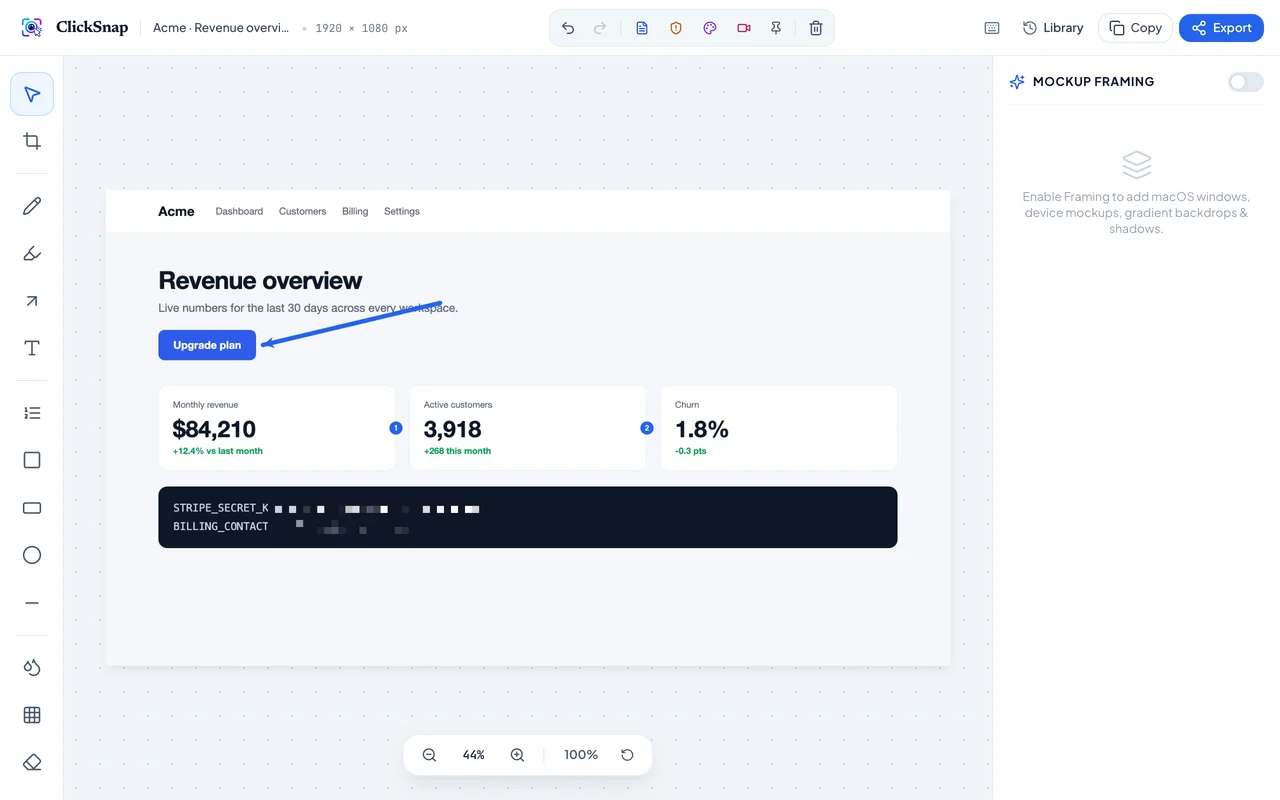
Accidentally leaking API credentials or customer emails in screenshot attachments causes costly compliance breaches. Learn how to redact with pixelation shaders.

High-converting launch tweets require beautiful gradient backdrops, rounded corners, and photorealistic shadows. Learn how to generate them instantly.

Manifest V3 replaces persistent background pages with event-driven service workers. Discover how ClickSnap leverages V3 for instant startup with zero memory leaks.

Discover why local-first storage using browser IndexedDB provides superior security, zero latency, and 100% GDPR compliance compared to cloud capture tools.

Creating clear user documentation and onboarding manuals requires sequential numbering. Learn how ClickSnap automates step callouts in seconds.

Dropdown menus close the moment you trigger normal screenshot hotkeys. Learn how countdown timers solve ephemeral UI captures.

CleanShot X is beloved by Mac users, but unavailable on Windows or Linux. Discover the best browser-native alternatives with equal aesthetic polish.

Web apps like Notion and Google Docs use nested scrollable divs instead of window.scrollY. Learn how ClickSnap identifies internal scroll containers.

Exporting screenshots at standard 1x DPI results in blurry, pixelated text on modern 4K and Retina monitors. Discover optimal export formats for web, Slack, and print.

Engineers and power users spend hours weekly documenting software. Master the hotkeys that make screenshot capture instantaneous.

Vague bug descriptions lead to wasted engineering hours. Learn how engineering teams standardize QA reports with annotated visual proof.

Customer support teams handling user accounts often share screenshots containing email addresses, names, and billing records. Learn how to maintain strict compliance.

High-converting Twitter cards, LinkedIn posts, and Product Hunt gallery images require aesthetic backdrops. Generate them in seconds without Photoshop or Figma.

Chrome extension popups automatically close whenever the user clicks outside. Discover why the Manifest V3 Side Panel API revolutionizes visual editing workflows.

Websites using IntersectionObserver or virtualized feeds like Twitter and Pinterest often show blank gray boxes in screenshots. Learn how ClickSnap triggers asset preloading.

Snagit costs $63/year and consumes gigabytes of disk space, while Lightshot lacks full-page stitching. See why ClickSnap offers the highest ROI.

Design teardowns and competitive benchmarks require capturing full customer journeys across competitor platforms. Learn how UX teams document workflows.

Stop manually retyping code snippets, error logs, and table contents from images. Learn how client-side WebAssembly OCR instantly copies structured text from any screenshot.

Accidental leakage of Stripe API keys, AWS credentials, and customer PII in Jira tickets causes millions in security breaches. Discover how AI Privacy Shield prevents visual leaks.

Learn how to capture ultra-smooth 60 FPS browser recordings, pause/resume live capture, and export lightweight animated GIFs for GitHub PRs without paying for Loom or CleanShot.

Discover the design secrets behind top Product Hunt and Twitter launch visuals. Wrap raw screenshots in customizable macOS Safari shells, iPhone frames, and glowing gradient backdrops.

Eliminate dual-monitor friction. Learn how frontend engineers use ClickSnap Pin-to-Screen and pixel-level Eyedropper loupe to match Figma specs with 100% precision.

Explore the shift toward local-first browser architecture. How IndexedDB, WebAssembly, and Chrome Manifest V3 deliver faster captures, zero subscriptions, and complete enterprise privacy.
Get monthly deep dives on browser extensions, memory optimization, and visual tools. Zero spam.
